Technology
Team Deskworks
July 28, 2026
The right access control system lets your coworking space function whether the space is staffed or not: members get in when they should, and cannot when they should not. The wrong system or an outdated system means locksmith calls, frustrated members, and security gaps that are expensive to fix after the fact. Here is what operators actually need to know before buying.
We installed our first access control system in 2009, building out our original coworking space from an old bank before the walls went up. That early build let us hardwire every door strike before closing in walls, which saved significantly on installation cost. We put readers on every office, conference room, and phone booth door. In retrospect, we got most of it right: remote internet access to each door, keycard and fob entry, no monthly software fees, and a secondary check against our reservation data. At the time, few coworking spaces had anything like it. What follows is what 15 years of running an automated space has taught us about what to buy, what to avoid, and what most operators overlook until it's too late.
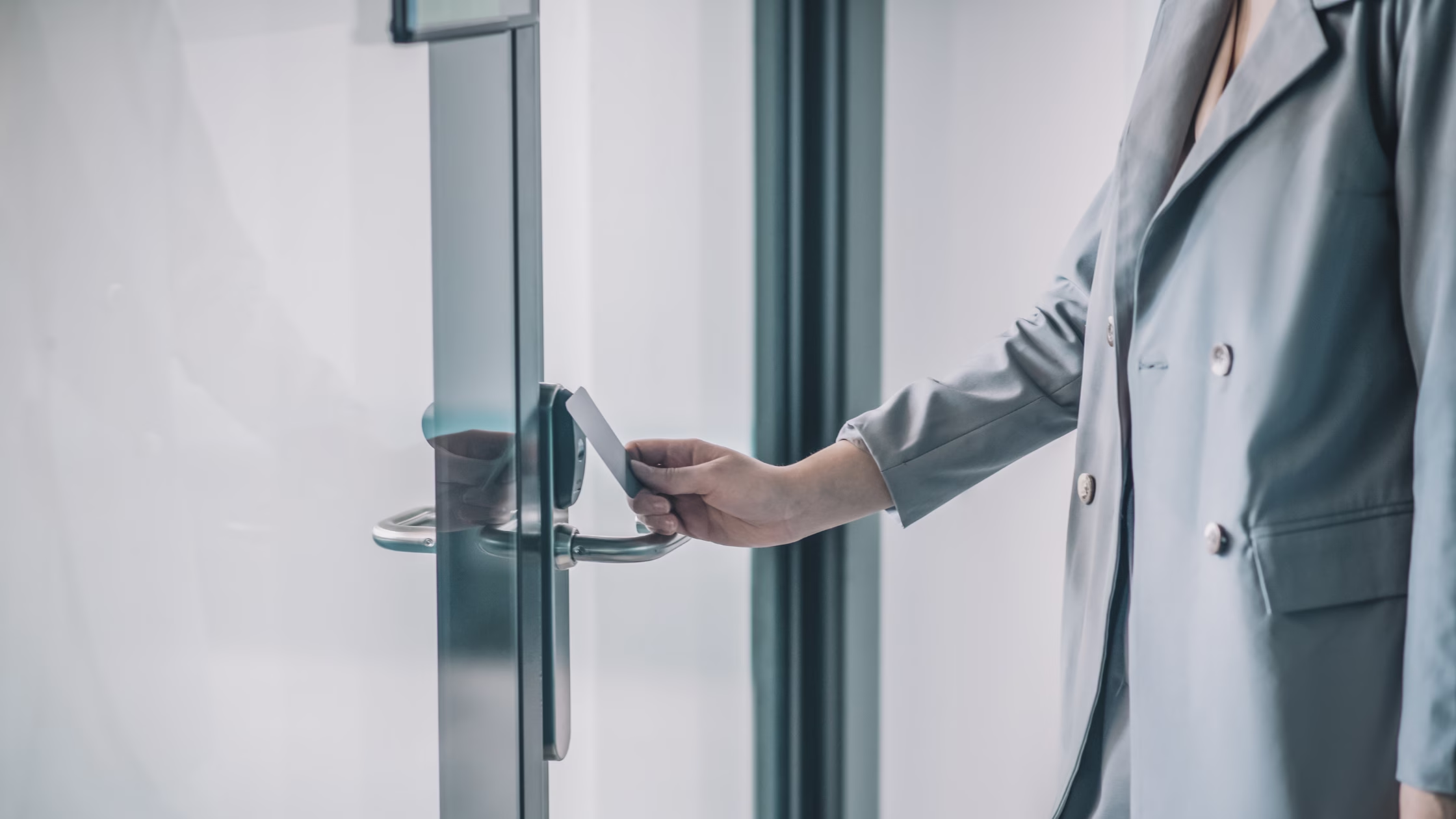
Access control is the system that manages who can enter which areas of your space and when. Instead of physical keys, members use fobs, keycards, or a smartphone app, and you manage permissions from a software dashboard.
For coworking operators, electronic access control solves three problems physical keys cannot:
Deskworks founder Barbara Sprenger puts it plainly: "For me, one of the biggest reasons to have RFID access is that I hate keys. And lose them. People tend not to lose their phone, and it is a lot cheaper to replace an access fob or card than a hard key, if you use that technology." That is the operational case for electronic access in one sentence.

There are two main types of electronic door locks and two main versions of access control systems, all with different tradeoffs for coworking operators.
Wired door locks run cable through your walls to the strike side of each door. An RFID reader is mounted on the wall near each door. When a card, fob, or phone is presented to the reader, the strike is disengaged, and the door can be opened.
Best for: New construction before walls are closed.
Upside: Lower hardware costs, since standard door handles are used. If paid for as part of construction, no monthly hardware costs. Reliable once installed. No batteries to change – or doors that can’t be opened because you didn’t pay attention to software reminding you to change batteries!
Watch out for: High upfront installation cost. Difficult to retrofit into existing buildings.
Battery-powered electronic door locks connect wirelessly to your network and do not require wall penetration. These locks replace existing door handles rather than operating on the strike side of the lock.
Best for: Retrofit installations in leased buildings, operators who want lower installation costs without running wire or cable in walls, although your hardware costs may be higher.
Upside: Typically cheaper to install than hardwired. No need to open walls. If you are in a leased space and eventually move, you can take the door locks with you.
Watch out for: Ongoing battery replacement across multiple doors, although your software will give you plenty of notice to replace. WiFi dependency means a network outage affects the ability to create a new user and program a fob until the network is back online. Slight wireless latency on some systems.
On Prem Door Access Systems have a dedicated security server on site, along with ancillary door access components. These are typically purchased and installed together with door locks – either hard-wired or battery-powered – and do not have ongoing monthly fees. You can, however, choose to use a Software as a Service (SaaS) product to manage the system, depending on the features you want.
Best for: Those who want to reduce ongoing monthly costs or dependency on external cloud services.
Watch out for: High upfront installation cost. If your on-site server fails, access fails with it. That said, when our original system reached end-of-life, we were able to pull out the old electronics and install a brand-new multi-door system using all of the existing door lock hardware.
Managed platforms where software runs in the cloud and you pay per door monthly. Kisi, Brivo, Salto KS, Alta, and Doorflow operate this model.
Best for: Operators who want remote management, regular software updates, mobile access, and integrations with coworking management software.
Upside: Manage everything from a browser or app. Access permissions can integrate directly with your management software.
Watch out for: Ongoing subscription costs. Over several years, total cost can exceed a one-time purchase. If you negotiate a multi-year contract, be sure you know your cost if you want to terminate the agreement early. Be very careful of agreements that auto-renew.
The right choice depends both on your building situation and your preferences.
If you are in a leased space and cannot run wire, wireless is your only practical option. If you are building from scratch, a hardwired system with either an on prem security server or a cloud management layer often gives the best long-term value.
One universal rule: install electronic locks on every public-facing door from the start. Retrofitting doors one at a time costs more long-term than doing it all at once, and partial coverage creates gaps.
Budget across three areas:
1. Hardware: $300 to $1,500 per door depending on lock type and reader. A 5-door space is roughly $1,500 to $7,500 in hardware before installation.
2. Installation: Varies significantly. Hardwired systems in existing buildings are the most expensive to install because of wire runs. Wireless systems are much cheaper to retrofit. Get at least two installation quotes.
3. Software and SaaS fees: Cloud platforms run $13.50 to $99 or more per door per month. For a 10-door space on a mid-tier platform, that is $135 to $990 per month ongoing.
What drives cost up:
If a full system is not in the budget yet, start with the front door, conference rooms, and elevator. For private offices, keep a spare set of lock sets and swap any that become compromised. It is not ideal, but it covers your highest-risk entry points while you build toward full coverage.
1. Your existing infrastructure: Does your building already have an access system? If so, you may be able to use existing door readers, with access to the system for just your doors. In some cases, you can have a mix of manufacturers. For example, we were able to use Paxton electronics on an older system powered by Honeywell.
2. Full door coverage from day one: Map every public-facing entry point before getting quotes. Installing electronic locks on all doors, including private offices and conference rooms, at once is more economical than adding doors one at a time as you understand the need later.
3. Access buffers around reservation times: Build 15 to 30-minute access buffers around booking windows. Members arriving slightly early or retrieving items after a session ends will test this on day one. No buffer means frustrated members and complaints. We set up conference room, entry, and phone cube doors to open at any time by anyone. The calendar reservation gives people rights to a space at a given time; the access system lets them unlock doors at any time. That is a much simpler setup with far fewer complaints.
4. Mobile access: Most modern platforms support NFC or Bluetooth smartphone entry, eliminating the need to issue and track physical fobs. Check whether the system authenticates offline or requires a live cloud connection, as some implementations have a slight activation delay.
5. Integration with your coworking software: This is the consideration most operators overlook at the buying stage. Your access control system should talk to your coworking management platform so that when a member's plan changes or their membership ends, access updates automatically without manually syncing two systems.
The most commonly used platforms among coworking operators:
Beyond features, evaluate vendor support. When your system goes down before your busiest booking window, you need a live person on the phone, not a ticket queue. Ask every vendor directly: what are your support hours, and what is the average response time for urgent issues? We cannot stress enough how important this is. When you are running a coworking space, you cannot afford to be left on hold for half a day.
Also confirm whether they lock you into proprietary hardware. If you switch platforms later, can you reuse your existing door readers, or do you replace everything?

Connecting your access control system to your coworking management software is where the real operational efficiency happens.
When your access control integrates with a platform like Deskworks, permissions update in real time as membership status changes:
Reservations and day passes can also trigger temporary access for non-members and guests. This allows visitors to access the entrances and specific spaces included in their booking, such as a meeting room or private office, for a set period of time – enabling a secure, self-service experience.
Without this integration, you are manually syncing two systems, and that is where errors happen. A cancelled member who still has building access is both a security gap and a liability issue.
Deskworks integrates with Kisi, Brivo, Salto, Alta, Doorflow and other major platforms so you manage memberships and bookings in one place and access reflects it automatically.
Access control is one layer of a broader security setup. Most modern cloud-based platforms also support CCTV integration, capturing a short video clip (typically 10 seconds) around each door access event. This gives you documentation if an incident occurs and a full record of who was in the building and when.
Combined with per-member access logs, this gives coworking operators the visibility to manage safety without on-site staff at every entrance around the clock.
There is no single best system. It depends on your building type, number of doors, and whether you need software integrations. Cloud-based platforms like Kisi, Brivo, Alta, Doorflow and Salto KS are the most widely used among coworking operators because they offer remote management, mobile access, and integrations with coworking management software. Get quotes from at least two or three vendors and confirm integration compatibility with your membership platform before committing.
Expect $300 to $1,500 per door in hardware, plus $13.50 to $99 or more per door per month for cloud-based software. A 10-door space typically runs $1,500 to $7,500 in upfront hardware and $135 to $990 per month in software fees. Installation cost varies significantly based on building infrastructure and whether cable needs to be run through existing walls.
Yes. Most modern access control platforms support NFC or Bluetooth-based smartphone entry. This eliminates issuing and tracking physical fobs. Check whether the system requires a live cloud connection to authenticate or works offline, as some cloud-based implementations have a slight activation delay compared to traditional key fobs.
With electronic access control, you deactivate the lost credential immediately from your dashboard. No locksmith, no rekeying. A replacement fob or new mobile credential is issued in minutes. This is one of the primary operational advantages over physical keys, particularly at scale.
Yes, if you choose a platform with integration support. Connecting access control to your membership software means permissions update automatically when memberships are created, changed, or cancelled, removing the need to manage two systems manually. Deskworks integrates with Kisi, Brivo, Salto, Alta, Doorflow and other major platforms so access reflects membership status in real time.
Technology
Team Deskworks
July 28, 2026
See how Deskworks helps coworking operators grow revenue while staying people-first.
Book a Demo

Deskworks is simple, powerful coworking management software built to automate your operations, capture every dollar of revenue, and give you more time to focus on your community.