Technology
Team Deskworks
August 7, 2026

Choosing the best router for a coworking space isn't as exciting as choosing furniture, art or a coffee machine. It is, however, high-priority. If you don't have a strong, stable internet connection, you won't have members. This guide covers what your router needs to do, the three most common options for coworking spaces, and how to configure it so one heavy user doesn't ruin the connection for everyone else.
To understand what a coworking space router needs to do, it helps to start with what you probably have at home.
Your Internet Service Provider (ISP) sends you an all-in-one gateway that handles a lot: it translates the incoming signal into standard Ethernet, manages network routing, includes a firewall, provides a WiFi access point, and often has a built-in switch for wired connections. This is usually fine for your home or a coffee shop, but it is NOT sufficient for any but the very smallest coworking spaces.
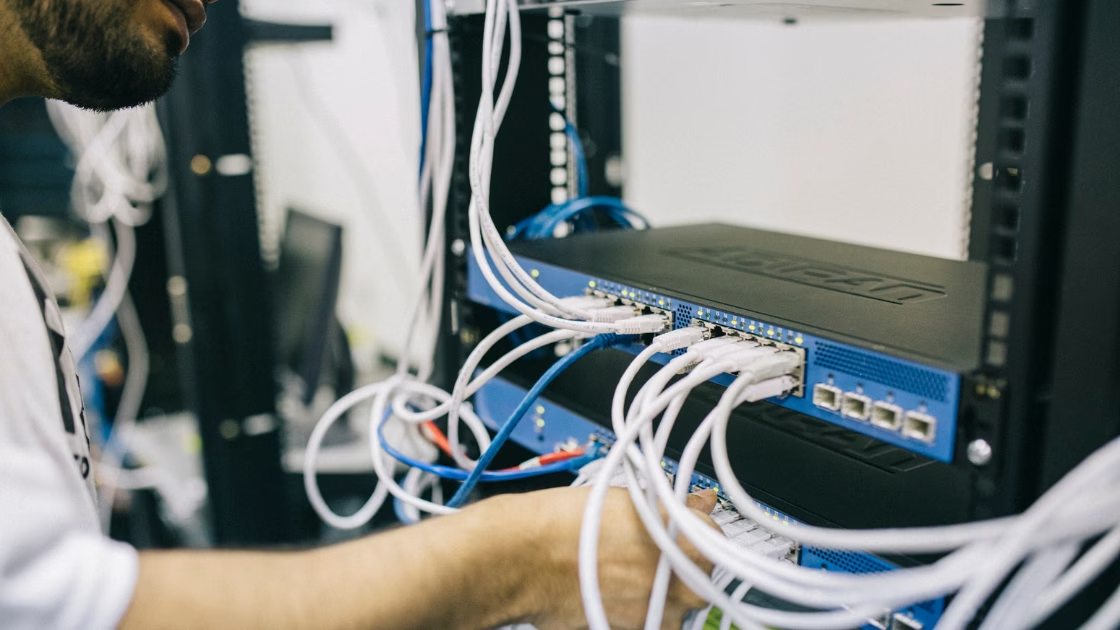
When you scale up for several users, you need more robust infrastructure. The fiber or coax cable coming into your center connects to an Optical Network Terminal (for fiber) or a Cable Modem (for copper/cable). A router comes next, creating the Local Area Network by assigning unique IP addresses for every connected device -- computers, phones, TVs, CCTV equipment -- and directing traffic between those devices and the internet. Typical routers include a firewall that is usually sufficient for most small to medium coworking spaces.
The difference between a home router and a coworking router is not just size. It's capability.
Before comparing router brands, make sure any router you evaluate can do all three of these:
If your space is less than 10,000 square feet and typically has fewer than 75 people on site, meeting all three requirements doesn't have to be expensive. The options below all handle them.
Get the fastest internet speed you can afford. No one has ever complained that the internet was too fast. Once you have your connection, the router is what determines whether all that bandwidth actually reaches your members.
The three most common routers in U.S. coworking spaces:
Unifi (Dream Machine Pro)
The most popular choice for small to mid-sized coworking spaces. Paired with Unifi Access Points distributed throughout the space, it handles very high device loads. The centralized dashboard lets managers monitor traffic, restrict bandwidth, and manage dozens of users easily. No annual licensing fees. This is what we use in our spaces, and we've been very happy with their reliability, ease of use and cost.
TP-Link Omada (TL-R605)
The most budget-friendly option. Paired with Omada ceiling-mounted access points, it handles small events, live streams, and digital nomad traffic. Includes a centralized "single pane of glass" management system showing network health, traffic patterns, and connected devices. Scalable, remotely accessible, and able to propagate changes across the network without logging into each device individually.
Cisco Meraki (MX Series)
Frequently chosen for enterprise-grade coworking spaces. Features strong security and "set-it-and-forget-it" reliability. Higher hardware costs upfront, and Meraki's ongoing licensing costs can be very high -- factor that into your total cost of ownership.
In Europe, AVM (FRITZ!Box) and MikroTik are both widely used. MikroTik in particular is central to how Deskworks handles network check-in, covered in the section below.
As a starting point, estimate your typical number of people on site. Plan for 10 - 15 Mbps available per person. To be safe, get 20 - 30% more for a buffer. You will probably have fiber service these days, rather than cable. Fiber is a symmetrical service - your download speed is the same as your upload speed. Cable will have significantly less upload speed than download speed. This is very important to consider, depending on what your members’ primary activities are.
Video editing and live streams are the most demanding activities on your bandwidth. If your members regularly do either, prioritize upload speed, not just download - and be sure you have a fiber service! If the majority of your members are doing standard office work -- email, video calls, light file transfers -- you will probably be okay with a cable service.
Even with enough bandwidth, one heavy user can ruin the experience for everyone else. Quality of Service (QoS) settings are how you prevent that, and almost no one sets them up correctly.
As Deskworks IT Director explained, the load balancing really is "the cool pro tip, yet almost no one does it. If you have 10 users and 1 of those users is utilizing 90% of the available bandwidth, there will only be 10% available, which may not be enough for video calls or live streaming for the rest. Limiting bandwidth per device allows a more balanced system and gives everyone the connectivity they need."
Each router brand handles QoS differently. Unifi uses WAN speed tests to shape bandwidth queues per device. MikroTik uses queues to manage bandwidth overall and per device. The method varies, but the goal is the same: cap the maximum any single device can use so the rest of the network stays usable and stable.
One setting most operators miss: router lease time.
Router lease time is how long a network device can hold an IP address before it must renew. A standard router can only hold around 250 addresses at once. If you set your lease time to 24 hours (the default), a device used in the morning and gone by noon still holds its address until midnight. In a busy space, your lease table can fill by end of day and start refusing new connections.
Deskworks IT Director's recommendation: set lease time to 15 minutes. Addresses free up as soon as someone leaves and their device goes idle, keeping the table available for new arrivals throughout the day.

To provide our Intelligent Network Check-In (INCI) features, Deskworks uses the MikroTik family of routers. They can be placed in line with whatever existing IT infrastructure you have, or the MikroTik router can be the foundation of your entire system.
MikroTik routers include a Radius Server that centralizes network management by handling Authentication, Authorization, and Accounting (AAA) for connected devices. The Radius Server verifies user credentials (usernames and passwords) and MAC addresses -- the unique identifier for each device in the format 00:00:00:00:00:00 -- before allowing the device onto your network (the "Walled Garden"). It also tells the router exactly what limits to apply to each user: download and upload speeds, time limits, and specific IP addresses. The accounting function tracks exactly when a user connects, how much data they use, and when they disconnect.
This is the backbone of Deskworks INCI. We only allow members with a login and password onto the network, or guests/non-members with an access code. Once your members have logged in, the Radius Server remembers them and they seldom have to log in again. We use the throttling function to divide up your total bandwidth so data-heavy users don't block others from functioning. For drop-in users, we track exactly how long they were online so they can be billed accordingly.
MikroTik's firewall is an enterprise-grade packet filter with granular control, no subscription fees, and the ability to build automated rules that catch bad actors and ban their IP addresses for a set timeout -- directly in memory. For operators running coworking management software, this level of network control means your billing, access, and bandwidth management all work from a single connected system.
As part of the initial Deskworks INCI setup, we review your full network infrastructure -- or if you are just starting out, we help you design it. Our engineers custom program a MikroTik router taking into account your space's physical size, occupancy, internet speed, non-computer connected devices, VLANs, and several other parameters to optimize connectivity and QoS. Our workspace management software powers coworking spaces around the world. Request a free demo to talk through your network setup.
What router do I need for a coworking space?
The right router depends on your space size and whether you need member-level internet access control. For spaces under 10,000 square feet with fewer than 75 people on site, Unifi (Dream Machine Pro) is the most popular choice: reliable, user-friendly, and no annual licensing fees. For budget-conscious operators, the TP-Link Omada TL-R605 handles smaller spaces well. Many older centers with higher budgets use Cisco Meraki -- but factor in the ongoing licensing costs.
How much internet bandwidth does a coworking space need?
Figure 10 - 15 Mbps for your typical number of users on site, then add 20 - 30%. If you have fiber, a backup service may be less critical. But many coworking space operators prefer to also have a backup service from a different vendor, to ensure coverage if there is an outage with your primary service. If your members regularly do video editing or live streaming, be sure you have fiber service, which is symmetrical (the same upload speed as download speed).
How do I prevent one member from using all my bandwidth?
Use your router's Quality of Service (QoS) settings to cap the maximum bandwidth any single device can use. Most enterprise-grade routers (Unifi, Omada, Meraki, MikroTik) include this. Set a per-device limit that ensures everyone gets a usable share even during peak hours. Also set your router lease time to 15 minutes rather than the default 24 hours -- this prevents your IP address table from filling up with inactive devices by end of day.
What is a VLAN and do I need one for my coworking space?
A VLAN (Virtual Local Area Network) separates devices for a particular company in your coworking space into an isolated network group. You need them for members with private printers, connected TVs, or other devices that shouldn't be visible to the rest of the space. However, you do not need VLANs for every office -- this was standard practice ten years ago but adds unnecessary cost and complexity for most setups today. Use VLANs selectively for the situations that actually require isolation.
What is Deskworks Intelligent Network Check-In?
Deskworks Intelligent Network Check-In (INCI) uses a MikroTik router with a Radius Server to give operators member-level control over network access. Each member logs in with their own credentials; the Radius Server verifies their identity and MAC address before granting access. You can set per-member bandwidth limits, track usage for billing, and automatically manage access based on membership status -- all connected to your Deskworks coworking management software.
Technology
Team Deskworks
August 7, 2026
See how Deskworks helps coworking operators grow revenue while staying people-first.
Book a Demo

Deskworks is simple, powerful coworking management software built to automate your operations, capture every dollar of revenue, and give you more time to focus on your community.